
Why put a QR code in every parcel
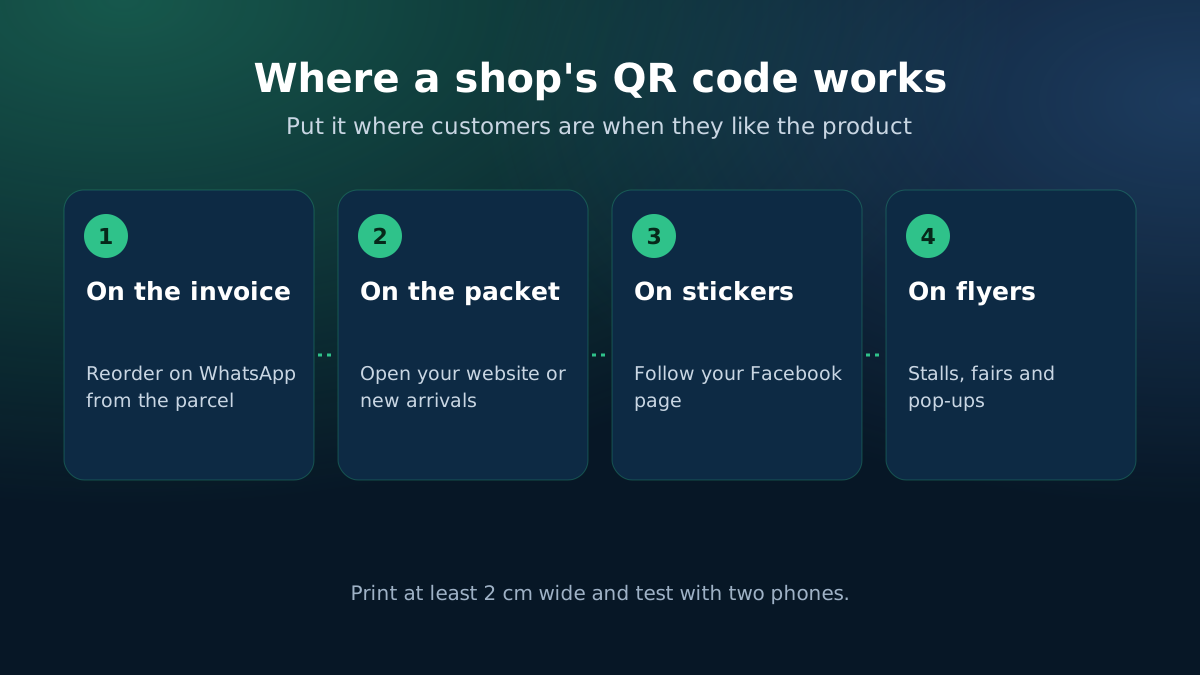
The moment a customer opens a parcel and likes the product is the best moment to win the next order. A QR code on the invoice or packet takes them straight to your website, your WhatsApp or your Facebook page with one scan, instead of hoping they remember your page name.
Which QR code to make
- Website or product link — for reorders, new arrivals or a review page.
- Order tracking link — so customers can check their parcel without calling you.
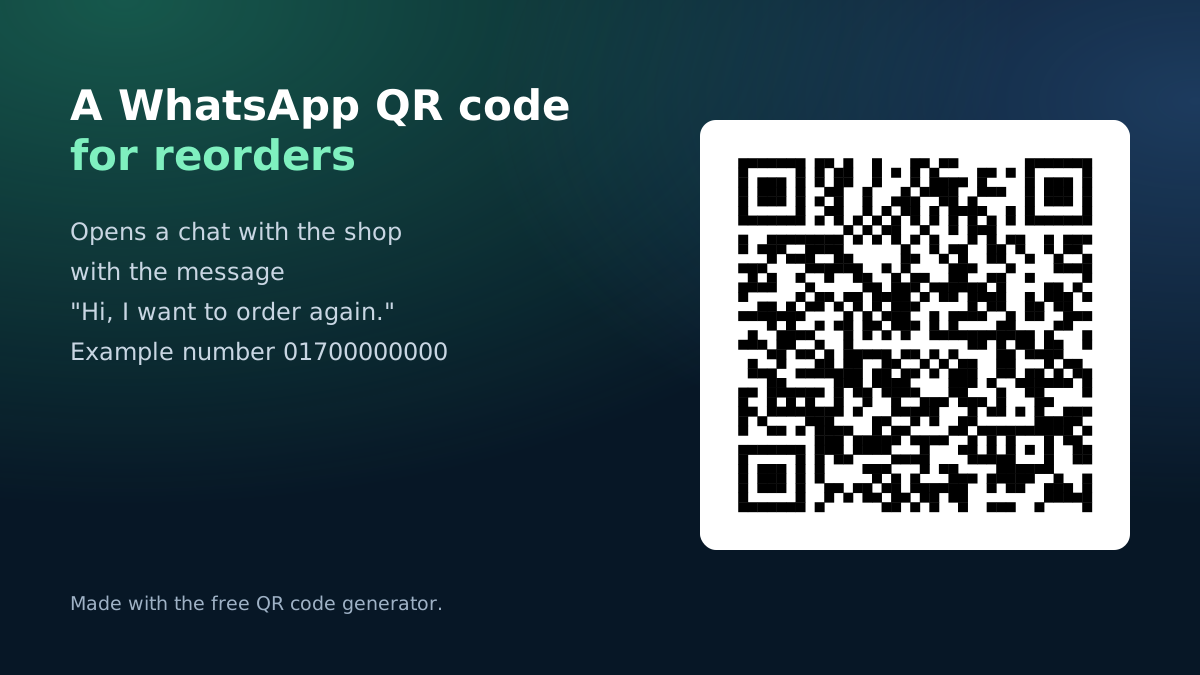
- WhatsApp — opens a chat with your number and an optional first message, such as "I want to reorder".
- Facebook page — opens your page so they can follow it or message you.
Printing QR codes that scan
- Keep dark modules on a light background; do not invert the colours.
- Leave a quiet white margin around the code.
- Print at least 2 cm wide and test with two different phones.
- Use short links where you can: shorter links make simpler, easier-to-scan codes.
Ideas that bring repeat orders
- A "reorder on WhatsApp" code with a message like "I want to order again" on every invoice.
- A code to a short review page, so happy customers can leave a review with a photo.
- A code to your size chart or care instructions, which cuts exchange requests.
- A code on your stall banner at fairs and pop-ups that opens your website's new arrivals.
Your data stays with you
This generator makes the code in your browser and holds your link directly, so the code keeps working even if this page changes. Nothing is uploaded.
With eCommerce Autopilot, your shop gets its own website with short landing page addresses, an order tracking page, and invoices that print with each order — ready to carry your QR code.