
Fewer messages, faster orders
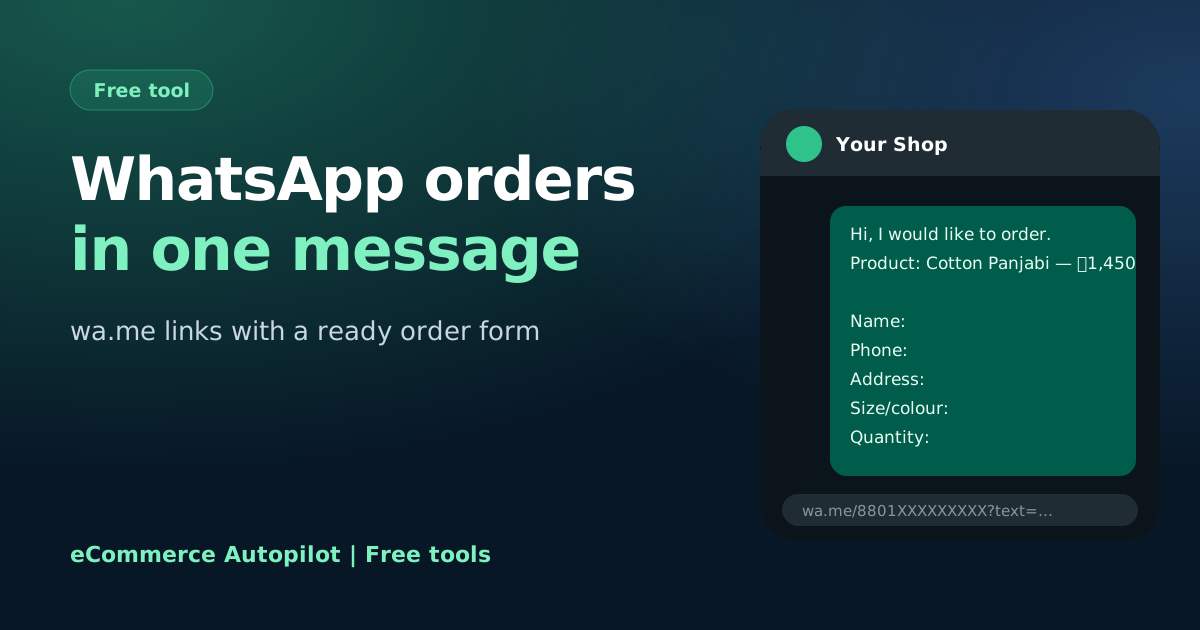
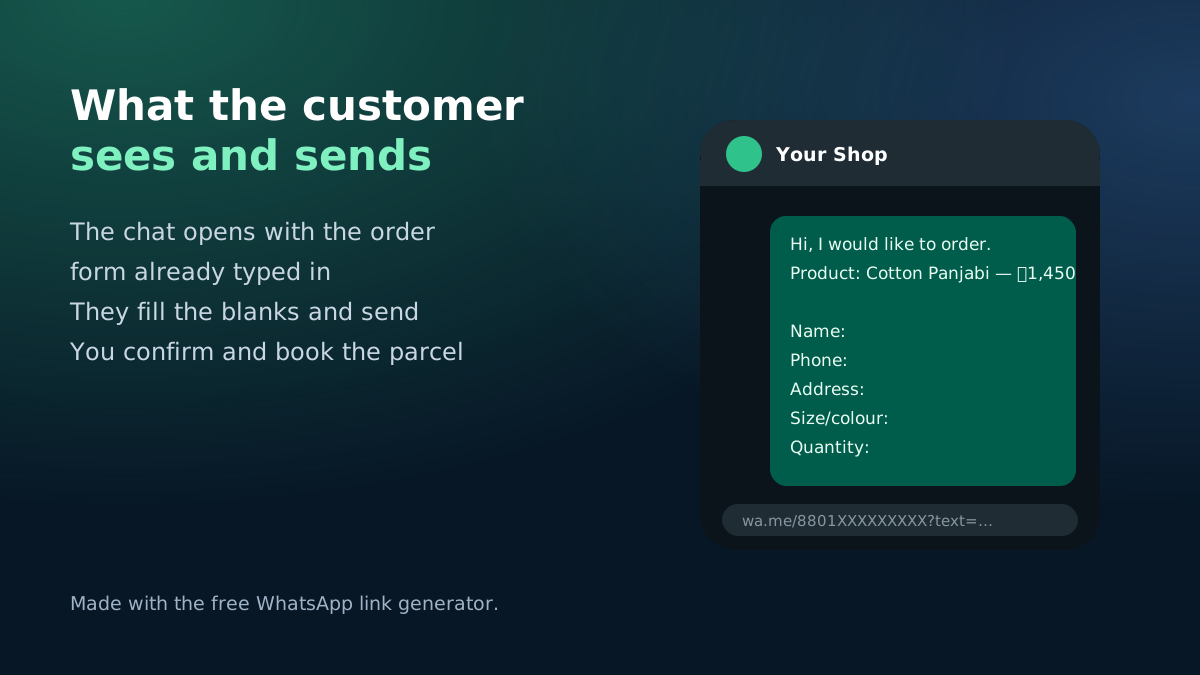
A customer who taps "Order on WhatsApp" and lands in an empty chat usually types "price?" and waits. With a pre-filled message, the chat opens with the product name, price and a short form for their name, address, size and quantity. They fill the blanks and send — and you have an order ready to confirm.
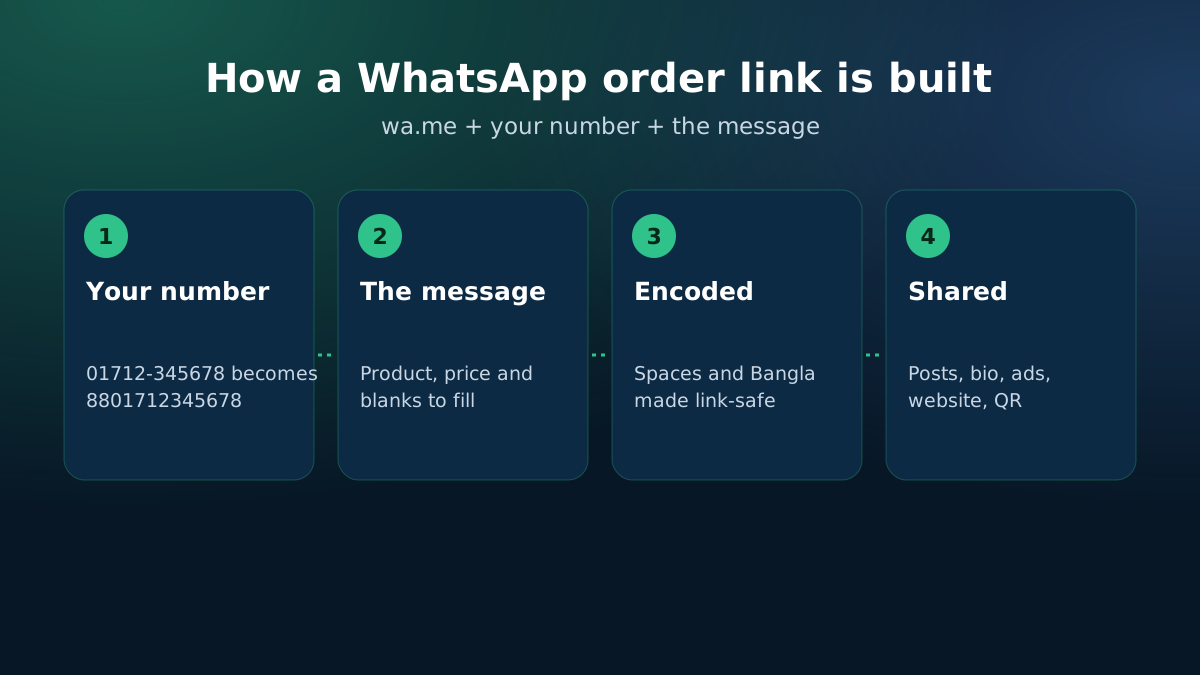
How a WhatsApp click-to-chat link works
WhatsApp's official link format is https://wa.me/<number>?text=<message>. The number must be in international format without "+", spaces or the leading 0: a Bangladeshi number 01712-345678 becomes 8801712345678. The message must be URL-encoded. This tool does both, and handles Bangla text correctly.
Where to put your order link
- The "Send WhatsApp message" button on your Facebook page and in Instagram's bio.
- Click-to-WhatsApp ads, where the order template is the first message.
- A button on each product page of your website (copy the button code above).
- A QR code on invoices and packets — make one with the QR code generator.
Tips for handling WhatsApp orders
- Reply quickly; customers often message several shops at once.
- Confirm the total, including delivery, before booking the courier.
- Save quick replies for price, delivery time and payment.
Keep the message short
Ask only for what you need to book the parcel: name, phone, full address with area and district, size or colour, and quantity. Long forms make customers stop halfway. If you sell one product per post, put the product name and price in the link so the customer does not need to explain which item they want — and so your team knows straight away which post the order came from.
When WhatsApp orders grow, keeping them in one phone gets hard. eCommerce Autopilot brings WhatsApp, Messenger and Instagram chats into one shared inbox, where sellers can turn a chat into an order and book it with the courier.