AI label remover: clean AI tags and metadata from product photos

Product photos edited with AI tools often carry hidden metadata that apps read to add an "AI info" label, and phone photos can carry your GPS location. Drop your images here to see what is inside and download clean copies. Everything happens on your device.

Free, no sign-up Runs on your device বাংলায় দেখুন

    Private: images are processed by your browser. Nothing is uploaded.

    eCommerce Autopilot turns your product photos into fast WebP images by itself. Try it free for 7 days

    How to use the AI Label Remover (Image Metadata Remover)

    1. Drop one or more JPG, PNG, WebP, AVIF or HEIC images into the box, or tap to choose.
    2. See the AI signals and metadata found in each file.
    3. Download the clean copy — the tool checks it again to confirm nothing is left.
    4. Post the clean copy, and keep your original for your records.
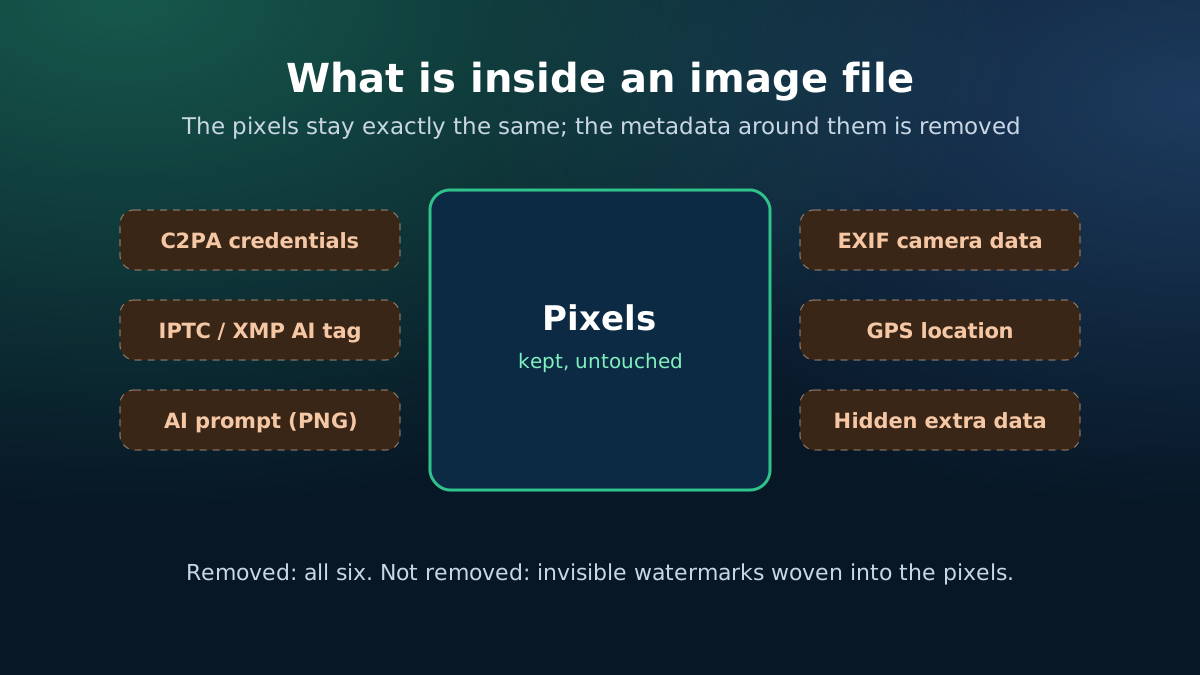
    What is inside an image file: pixels kept, metadata such as C2PA, XMP, EXIF and GPS removed
    The pixels stay; the metadata around them is removed.
    AI label remover: remove AI info, C2PA and EXIF metadata from product photos in your browser
    Clean AI tags and GPS data from photos without uploading them.

    Why product photos get an "AI info" label

    Many shops now touch up product photos with AI features: removing a background, cleaning a wrinkle, extending a backdrop. Those tools often write a record into the file — C2PA Content Credentials or an IPTC "digital source type" — that says AI was involved. Social apps read that record and may add an AI label, even when the product and the photo are real.

    Phone photos also carry EXIF data: the phone model, the date and often the exact GPS location where the photo was taken — sometimes your home or warehouse. That is worth removing before you post anywhere.

    What this tool can and cannot do

    RemovedNot removed
    C2PA Content CredentialsInvisible watermarks in the pixels, such as SynthID
    IPTC and XMP fields, including the AI source typeVisible logos, text or watermarks on the image
    AI prompts and settings saved in PNG filesA label already shown on a published post
    EXIF camera data, dates and GPS locationA platform's own AI detection
    Comments, thumbnails and hidden trailing dataYour duty to disclose AI content where required
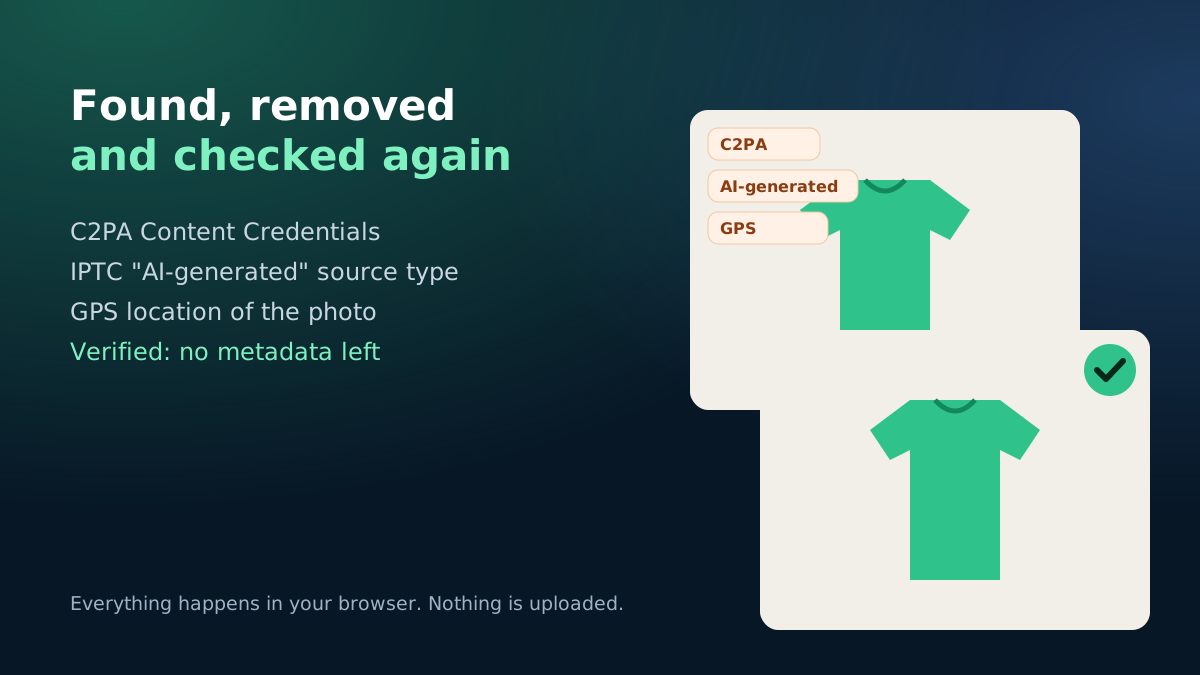
    Example result: AI label signals found and removed from a product photo, verified clean
    What the tool shows after cleaning a photo.

    Lossless cleaning

    For JPG, PNG and WebP the tool works on the file structure: it keeps the image data and drops only the metadata, so the photo looks exactly the same and is usually a little smaller. AVIF and HEIC files, and the optional deep clean, are rebuilt from their pixels at high quality.

    Use it honestly

    Removing metadata is a normal privacy step and fixes real photos that were labelled because of a small AI edit. It does not change the rules you sell under: Meta and other platforms ask sellers to disclose realistic AI-generated images, and your product photos must show what the customer will receive. Do not use AI images to show a product you cannot deliver — it leads to returns and complaints.

    eCommerce Autopilot turns your product photos into fast WebP images automatically and keeps a product photo gallery ready to send in chats.

    Frequently asked questions

    What does the AI label remover remove?

    It removes metadata: C2PA Content Credentials, IPTC and XMP fields such as the "AI-generated" source type, AI prompts saved in PNG files, EXIF camera details, GPS location, comments and hidden trailing data.

    Will it remove the "AI info" label on Facebook or Instagram?

    It removes the metadata that platforms commonly read to add such labels. Platforms can also use invisible watermarks, their own detection and your own disclosure, which no metadata tool can change. A label on an already-published post stays on that post.

    Are my photos uploaded?

    No. Everything runs in your browser. Your images never leave your phone or computer.

    Does it reduce image quality?

    No for JPG, PNG and WebP: only metadata sections are removed and every pixel stays the same. AVIF, HEIC and the optional deep clean rebuild the image from its pixels at high quality.

    Can it remove invisible watermarks like SynthID?

    No. Invisible watermarks are woven into the pixels and are designed to survive editing. This tool removes metadata only.

    Learn more

    Run your shop on autopilot Website, orders, courier, Facebook inbox, staff and accounts in one place. Free for 7 days.
    Start free