Facebook ad budget planner

Start from the orders you want, not from a random boost amount. Type your target delivered orders, your usual cost per order and your return rate to get the budget per month and per day.

Free, no sign-up Runs on your device বাংলায় দেখুন

Your plan
Past ad spend ÷ confirmed orders
Example — use your bank's rate with fees

Your ad budget

Orders to take—
Budget for the period—
Daily budget—
Daily budget in dollars—
Period budget in dollars—

eCommerce Autopilot shows ad spend, messages and orders per Facebook page side by side. Try it free for 7 days

How to use the Facebook Ad Budget Planner

  1. Type how many delivered orders you want this month.
  2. Add your usual cost per order from past ads and your return rate.
  3. Set the number of days you will run ads.
  4. Add your dollar rate if you pay Meta in USD, and read the daily budget.
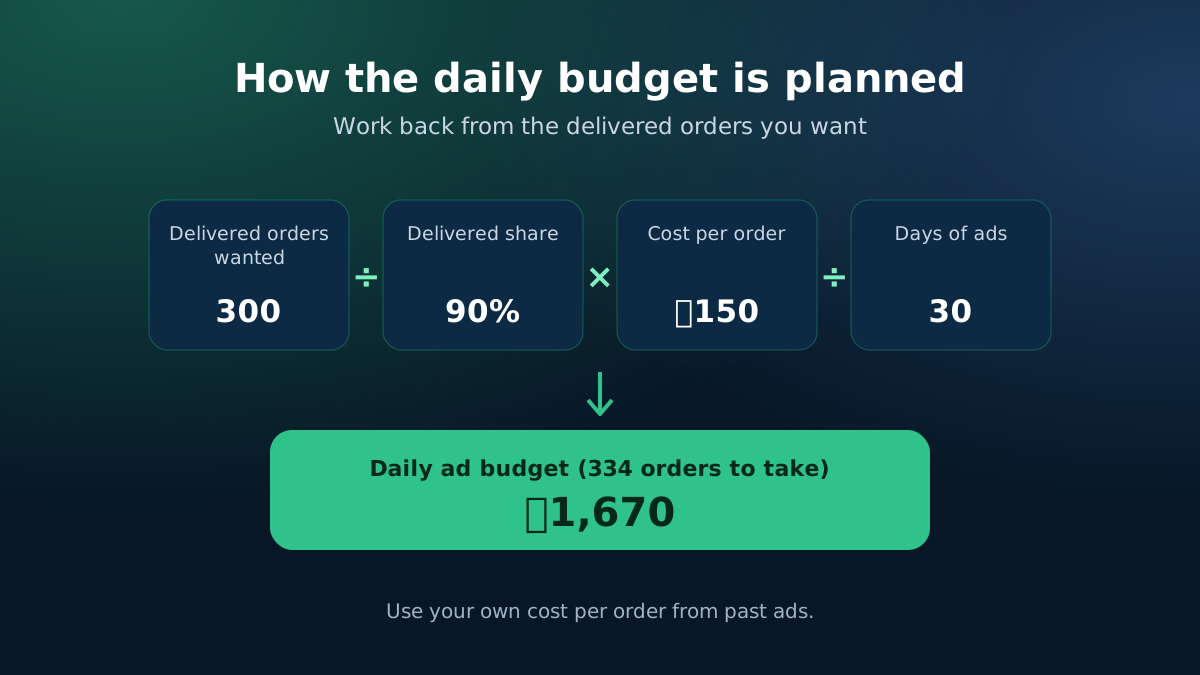
How the ad budget is planned: target orders, return rate, cost per order and days
Work back from delivered orders to a daily budget.
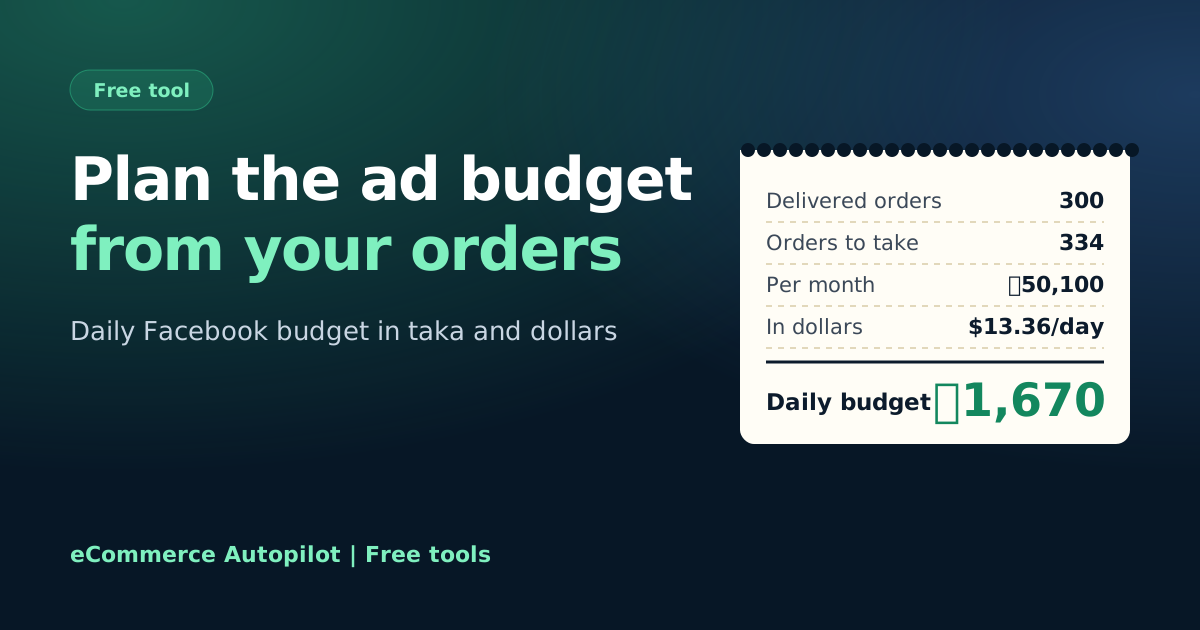
Facebook ad budget planner: daily ad budget from target orders
Plan your daily ad budget from the orders you want.

Plan the budget from the orders you need

Many shops pick a daily ad budget by feel — "boost ৳500 a day" — and then wonder why the month did not work. A better way is to start from the number of delivered orders you need, then work back to the budget using two numbers you already know: your cost per order and your return rate.

How the budget is worked out

  • Orders to take = delivered orders you want ÷ (1 − return rate), rounded up.
  • Monthly budget = orders to take × cost per order.
  • Daily budget = monthly budget ÷ days of ads.
  • In dollars = taka budget ÷ your dollar rate.

For example, 300 delivered orders with 10% returns means taking 334 orders. At ৳150 per order that is ৳50,100 a month, about ৳1,670 a day over 30 days.
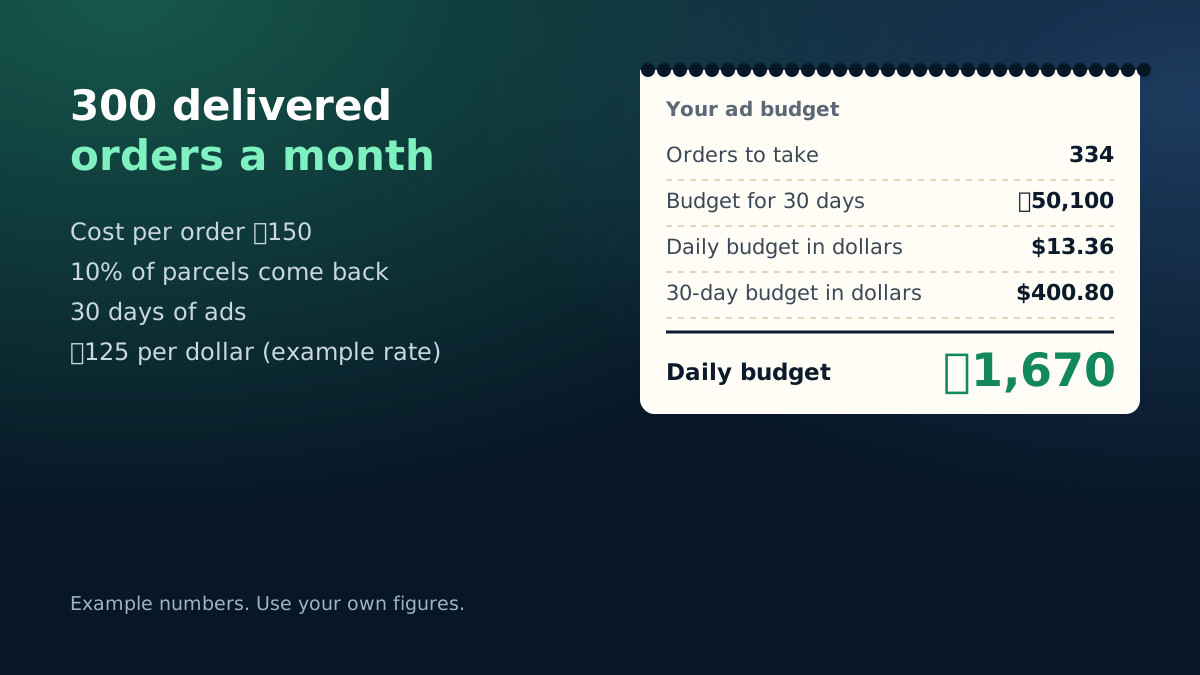
Example ad budget: 300 delivered orders at ৳150 per order needs about ৳1,670 a day
Worked example with the calculator's starting numbers.

Is the budget worth it?

A budget plan only shows what the orders will cost. Check the other side too: with the ROAS calculator, see whether your cost per order is below the most you can afford, and with the break-even calculator, see whether those orders cover your monthly costs.

Tips for Bangladeshi shops

  • Count orders from messages and phone calls too, not only website purchases.
  • Raise budgets in steps of about 20–30% and give the ad a few days before judging.
  • Keep a little budget aside for testing new photos and videos; creative usually moves cost per order the most.

When your cost per order changes

Cost per order is not fixed. It usually rises in the weeks before Eid and other big sale seasons, when many shops compete for the same buyers, and it can drop when you find a strong new photo or video. Re-check your plan every week with the latest numbers instead of the average from last quarter.

eCommerce Autopilot shows ad spend and messages per Facebook page next to the orders each page brought, so you can see the real cost per order of every page.

Frequently asked questions

How much should I spend on Facebook ads per day?

Work backwards: delivered orders you want ÷ (1 − return rate) gives the orders you need to take; multiply by your cost per order for the monthly budget, then divide by the days.

Where do I find my cost per order?

Take the ad spend of a past period and divide it by the confirmed orders from those ads in the same period. Ads Manager's cost per result is a start, but message ads need your own count.

What dollar rate should I use?

Use what your bank or card actually charged per dollar last month, including fees and VAT on foreign payments. The filled-in rate is only an example.

Will doubling the budget double the orders?

Not always. Cost per order often rises as you spend more on the same audience. Increase the budget in steps and watch the cost per order.

Learn more

Run your shop on autopilot Website, orders, courier, Facebook inbox, staff and accounts in one place. Free for 7 days.
Start free