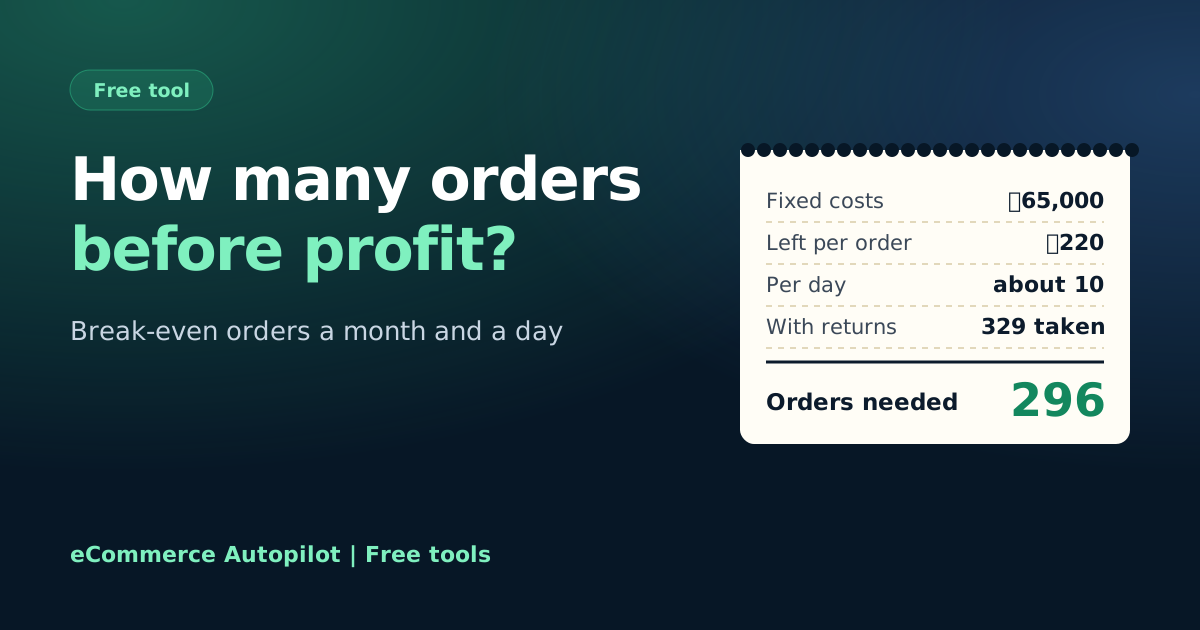
Break-even orders calculator for online shops

Add your monthly fixed costs and what one order leaves after its own costs. See how many delivered orders you need each month and each day before the shop makes any profit.

Free, no sign-up Runs on your device বাংলায় দেখুন

Monthly fixed costs
Include your own
One order
Product, packaging, courier, COD, ads

Your break-even

Fixed costs a month—
Left from each order—
Delivered orders needed a month—
About per day—
Orders to take, with returns—

eCommerce Autopilot's profit & loss report shows every month whether you passed break-even. Try it free for 7 days

How to use the Break-even Orders Calculator

  1. Add your monthly fixed costs: rent, salaries, software, internet and others.
  2. Type your average selling price per order.
  3. Type the variable cost of one order: product, packaging, courier, COD and ads.
  4. Add your return rate and read the orders you need per month and per day.
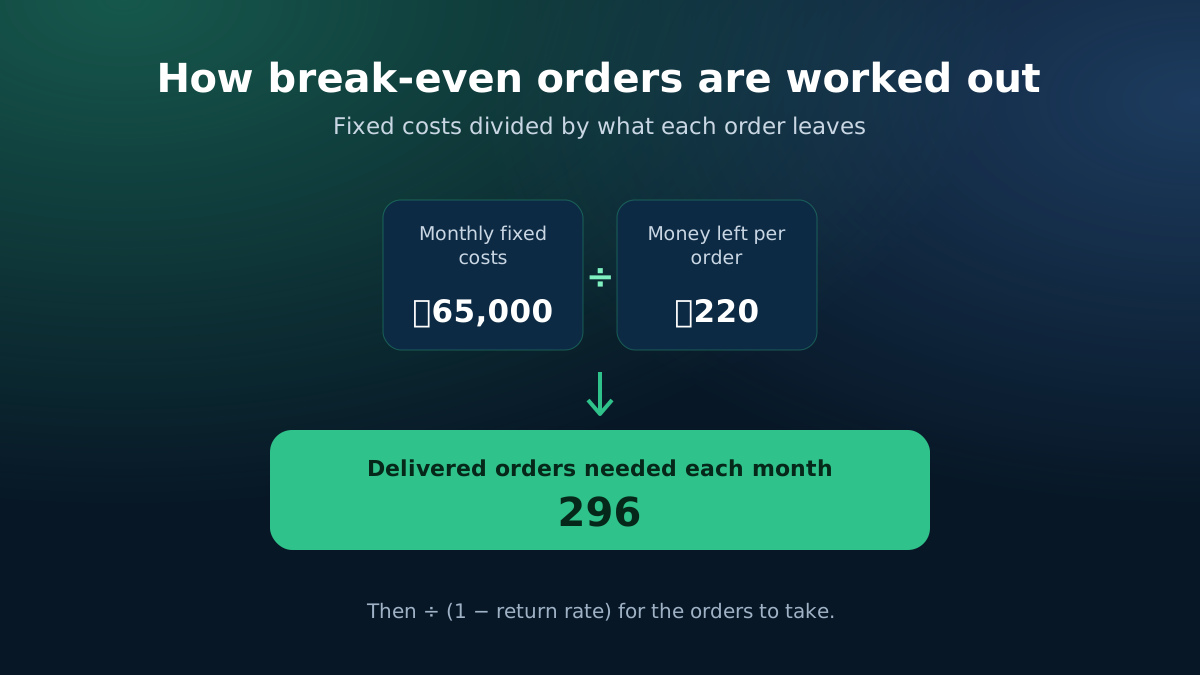
How break-even orders are calculated: fixed costs divided by money left per order
Fixed costs ÷ money left per order, adjusted for returns.
Break-even orders calculator: how many orders an online shop needs each month
Find the orders a month that cover all your fixed costs.

The number every shop owner should know

Your break-even point is how many orders you need in a month before the business makes a single taka of profit. Below it, every month eats into your savings; above it, every extra order is profit. Knowing it turns "we need more sales" into a clear target: so many orders a day.

How the break-even is worked out

  • Money left per delivered order = average selling price − variable cost per order.
  • Delivered orders needed = monthly fixed costs ÷ money left per order, rounded up.
  • Orders to take = delivered orders needed ÷ (1 − return rate).
  • Per day = the monthly numbers ÷ 30.

With ৳65,000 of fixed costs and ৳220 left per order, you need 296 delivered orders a month — about 10 a day — and around 329 orders taken if 10% come back.
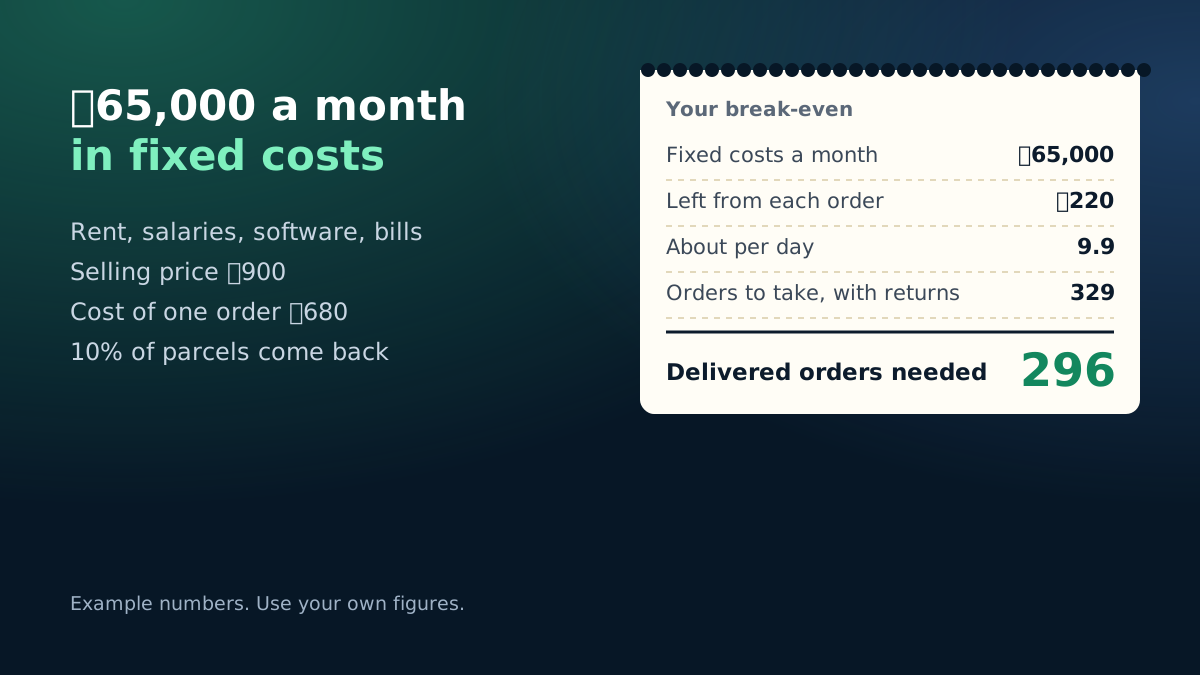
Example: ৳65,000 fixed costs and ৳220 left per order need 296 delivered orders a month
Worked example with the calculator's starting numbers.

Fixed costs people forget

  • Your own salary, if you work in the business full-time.
  • Software, website, domain and phone or internet bills.
  • Photography, sample products and small office spending.
  • Loan instalments or equipment you pay for monthly.

Moving the break-even down

The money left per order is usually the strongest lever. Raising it from ৳220 to ৳270 drops the orders needed from 296 to 241 a month. Try it above with your own numbers, and use the profit margin calculator to find a price that leaves more per order.

Check it every month

Your break-even point moves when rent goes up, when you hire someone, or when ad costs change. Re-run the numbers at the start of each month, and compare the orders needed with the orders you actually delivered last month. The gap tells you how far you are from profit — or how much room you have to invest in growth.

eCommerce Autopilot keeps your cashbook, expenses and every order's real profit in one place, and its profit & loss report shows each month whether you passed break-even.

Frequently asked questions

What is the break-even point for an online shop?

It is the number of orders where the money left from each order (after its own costs) exactly covers your monthly fixed costs. Every order above it is profit.

What are fixed costs and variable costs?

Fixed costs stay the same whatever you sell: rent, salaries, software, internet. Variable costs come with each order: product, packaging, courier, COD charge and ad cost.

Why are "orders to take" more than "delivered orders"?

Returned parcels bring no money, so with a 10% return rate you must take about 11 orders to get 10 delivered.

How can I lower my break-even point?

Raise the money left per order (better price, bundles, lower ad cost per order, fewer returns) or cut fixed costs. Small changes to the per-order amount move the break-even a lot.

Learn more

Run your shop on autopilot Website, orders, courier, Facebook inbox, staff and accounts in one place. Free for 7 days.
Start free